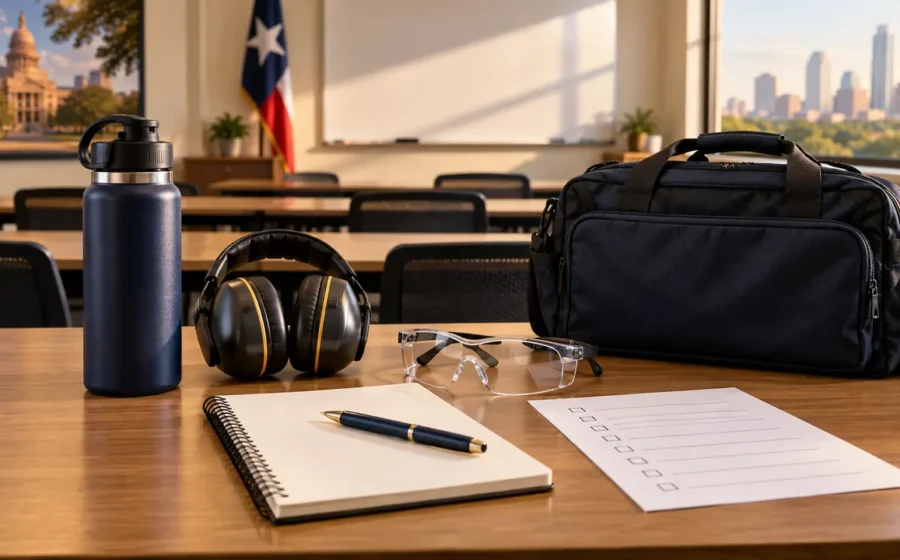
What to Bring to Your First Texas Security Training Class
The address in your enrollment email may take you to the right building without telling you which door to use. That is worth sorting out before […]
Paul Jamison5 min read
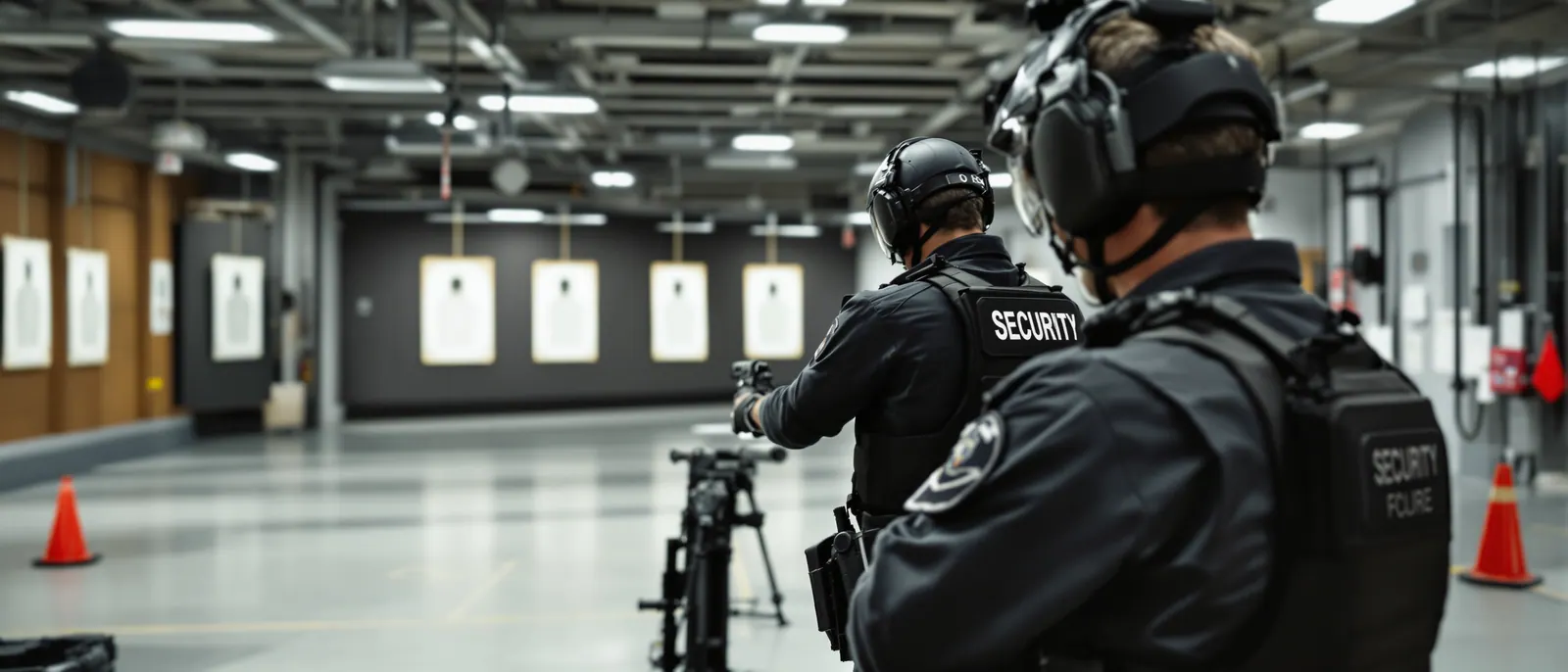
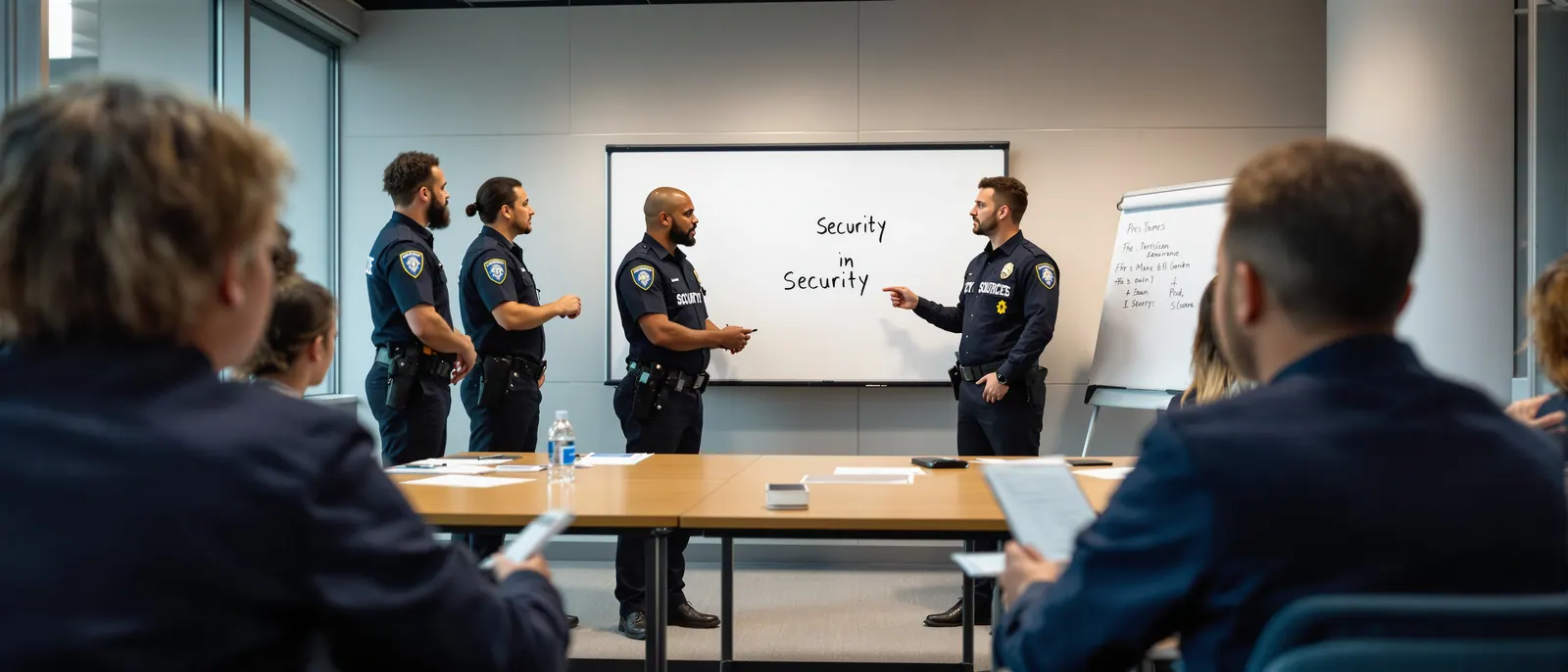
Learn from Active Law Enforcement & Military Professionals
We are an affiliated instructor network with the Texas Department of Public Safety and licensed through the Texas Private Security Bureau. Contact us for more information about class schedules and requirements.
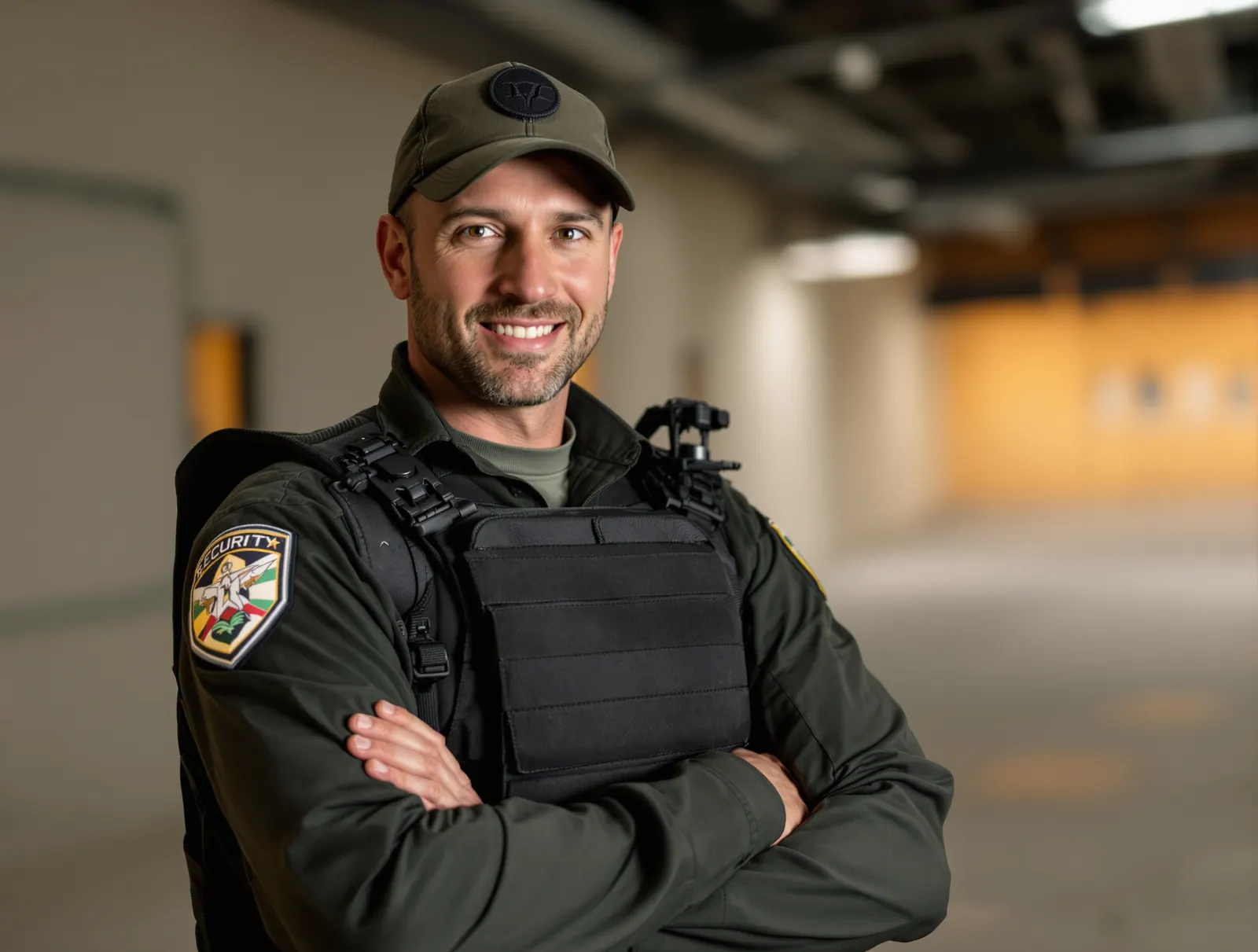
Texas Security License Training is located in Houston, TX. We specialize in preparing residents to meet and exceed Texas State requirements for security guard licensing and concealed handgun permits. All classes are taught by certified Law Enforcement and Military Firearms Instructors and meet or exceed the requirements of Texas Occupations Code Chapter 1702 and Texas Government Code Chapter 411.
Additional courses are offered for advanced tactical training including Basic Handgun Familiarization, Tactical Pistol Operations, and Intermediate Defensive Handgun techniques. Our training programs are designed for both entry-level security professionals and experienced operators seeking advanced certification.
Instructors from active duty
DPS approved curriculum
Weekend & weekday classes
Personalized attention
Contact us directly to schedule your class. We offer flexible scheduling for individuals and groups.
Protect yourself legally before, during, and after a self-defense incident. U.S. Law Shield provides comprehensive legal defense for lawful gun owners.
Learn More
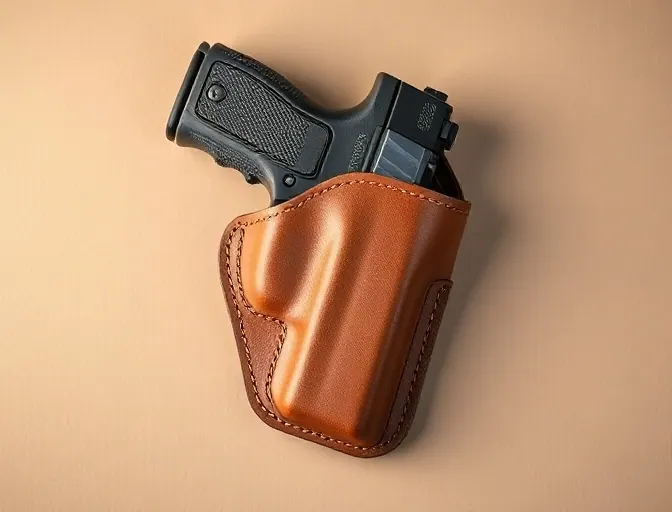
We supply custom made, high quality holsters, belts and magazine carriers. Contact us with any questions about leather gear and tactical equipment recommendations.
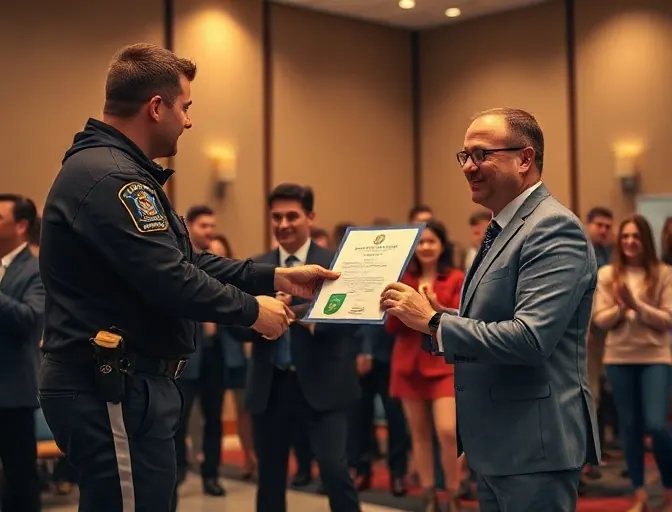
Our instructors regularly receive recognition for excellence in training delivery. We bring home awards from national training academies and maintain the highest standards in the industry.
All classes are taught by certified instructors and meet Texas state requirements. Class sizes are limited for safety and personalized instruction.
Entry-level unarmed security guard certification. Covers state laws, ethics, report writing, and patrol procedures.
Armed security guard certification including firearm safety, marksmanship, and use of force continuum.
Complete concealed carry certification for Texas residents. Includes classroom instruction and live-fire qualification.
Introduction to handgun operation, safety, and marksmanship fundamentals. Ideal for first-time shooters.
Advanced defensive handgun training including drawing from holster, reloading, malfunction clearance, and tactical movement.
Advanced course covering shooting on the move, barricade shooting, carjacking defense, and low-light operations.
Testimonials from military, law enforcement, and civilian students
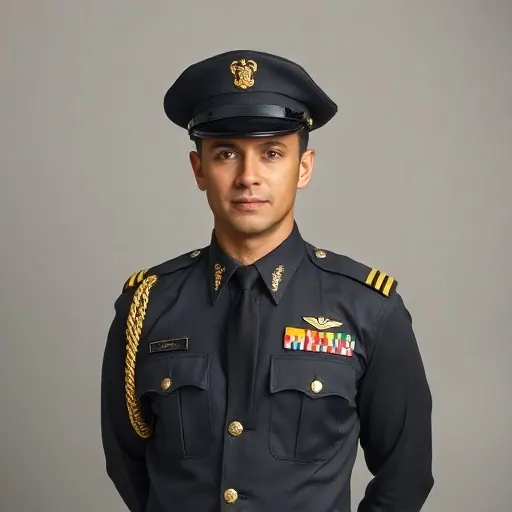
“I wanted to thank you for the Tactical Pistol Course you hosted in July. I appreciated the detailed, but easy to understand, instruction and wide range of exercises. Also, the course curriculum was such, that any shooter would benefit from it, no matter their experienced level. You can never get too much practice on the basics and it is rare to get the opportunity to practice engaging a target from, and around, a vehicle platform. Thanks again for the excellent class. Looking forward to taking it again in September.”
Derek O.
Major, U.S. Army
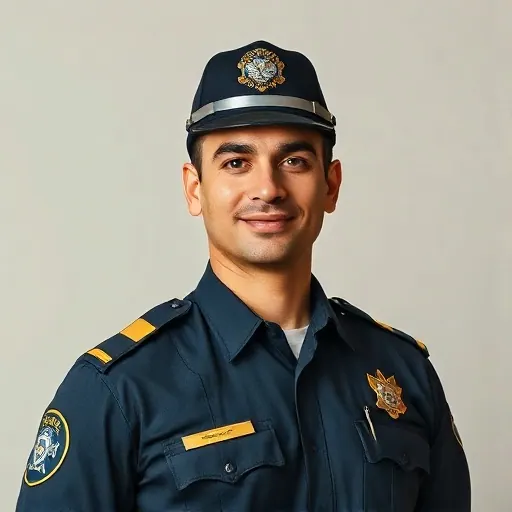
“I would take James Mitchell into any fight, any time, any where. Not only is James an experienced operator, he is also an outstanding instructor and first rate tactical trainer. You can bet your life on what Texas Security License Training will teach you. His courses go beyond the standard requirements and prepare you for real-world scenarios.”
Captain D. Smith
Houston Police Department
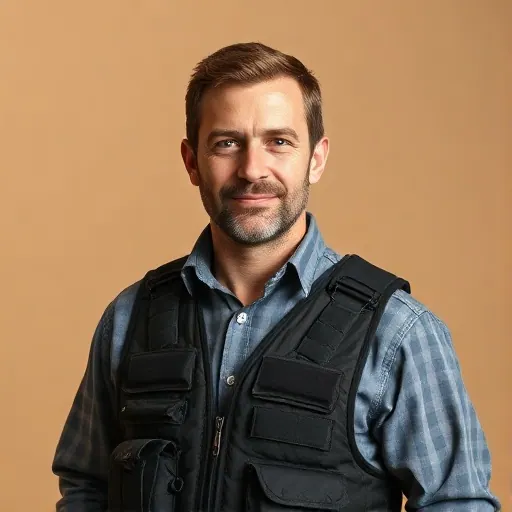
“Several years ago I attended a security class taught by James Mitchell. At the time James stressed that getting your endorsement was just the beginning and that we really needed training after obtaining our endorsement before we were safe and competent to carry. The first training class I attended after obtaining my license demonstrated to me the breadth of what I did not know about carrying. I have now taken several Tactical Pistol classes from James and I highly recommend his classes.”
Steve Quinn
Private Security Contractor

“You have the most outstanding range in the Houston area for practical pistol shooting. The way you progressively format your classes to have students shooting better by the end of the day than they were at the beginning is tactically sound. I have seen many novice shooters gain the confidence and competence to become outstanding practitioners of their second amendment rights after taking your classes with follow up practice on their own. The drills you teach set you apart from any local classes I have seen.”
Kevin Regan
Corporate Security Manager
Expert tips, industry updates and training insights for security professionals.
The address in your enrollment email may take you to the right building without telling you which door to use. That is worth sorting out before […]

Open a notebook a week after a class and a sentence that made perfect sense at the time can look oddly unfinished. There is a name […]

Navigating the process of getting a security guard license in Texas can be really tough with all the requirements and rules. People who want to be […]
The world of carrying guns in Texas changed a lot in 2024. New rules mean that people in Texas now have choices when it comes to […]
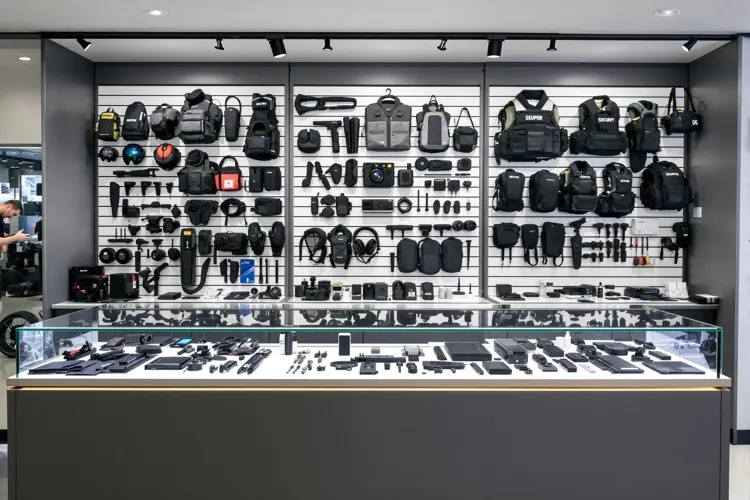
Selecting a handgun, for defense can feel very hard for someone who is buying one for the time. There are choices available and it is important […]

Texas Self Defense Law Starts With the Facts When people talk about the Castle Doctrine and "stand your ground " they often make the rules sound […]
Photos from our classes and training sessions
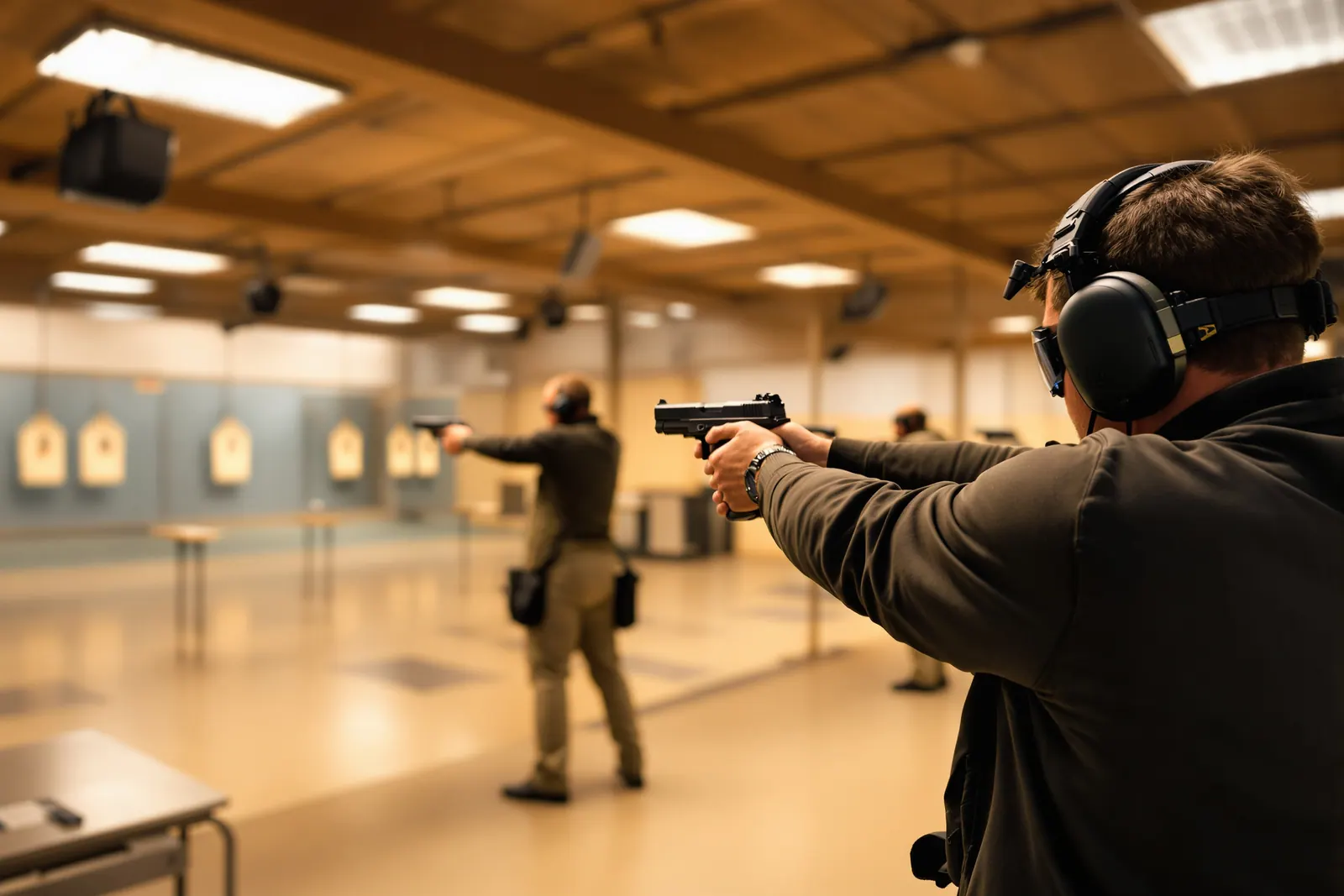
Indoor Range Training Session
Students practicing at indoor shooting range
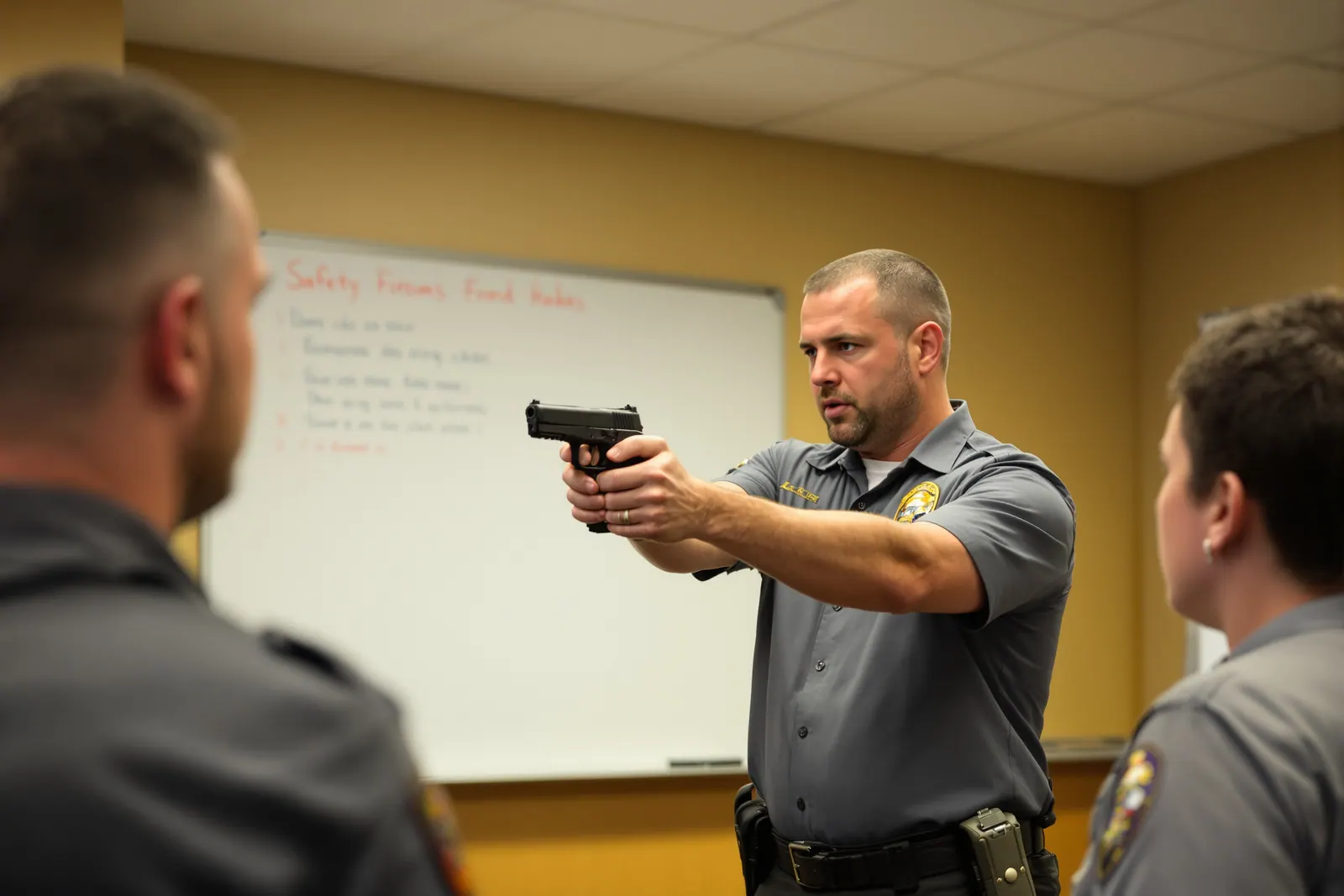
Classroom Instruction
Instructor demonstrating handgun techniques
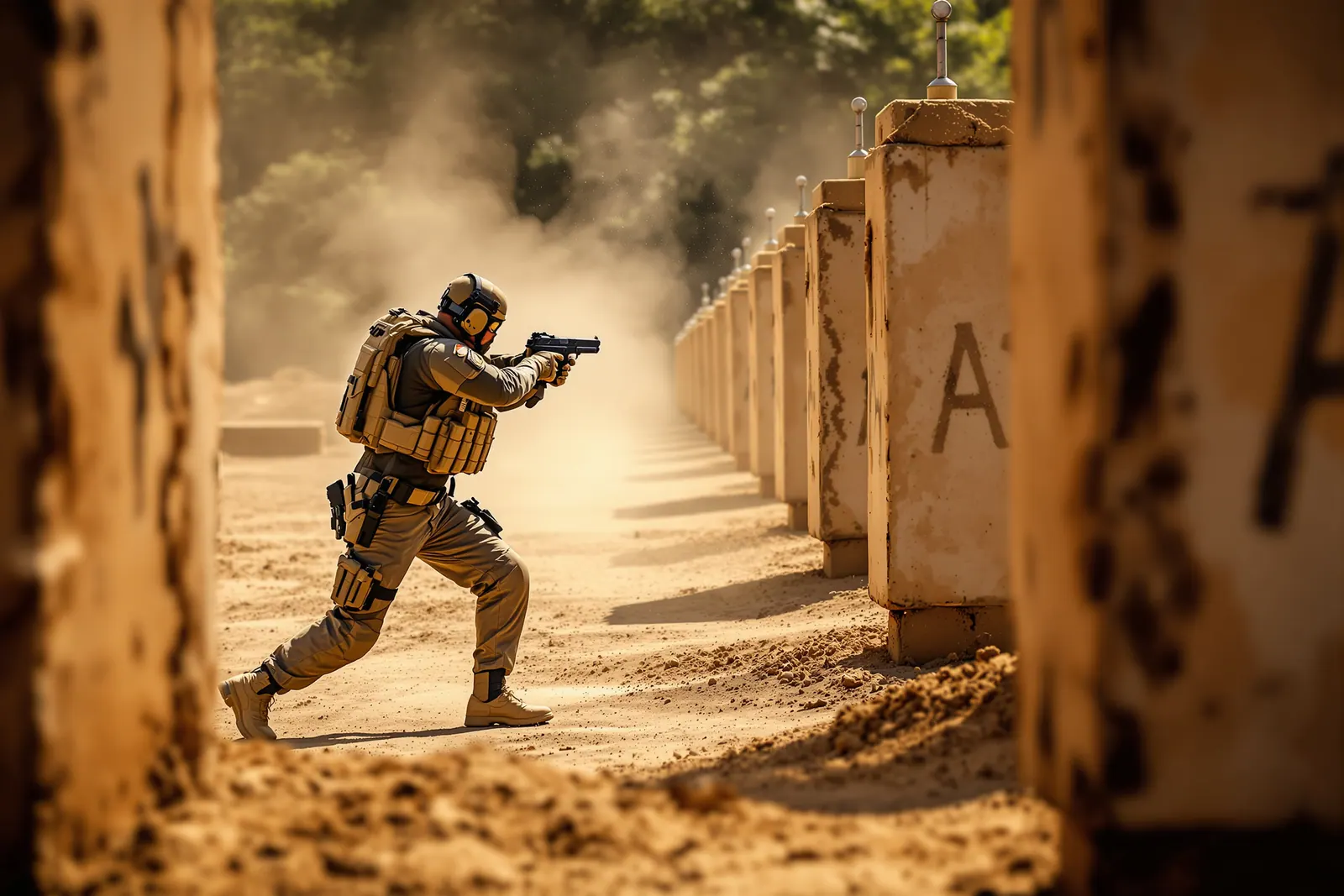
Tactical Movement Drills
Tactical pistol training outdoors
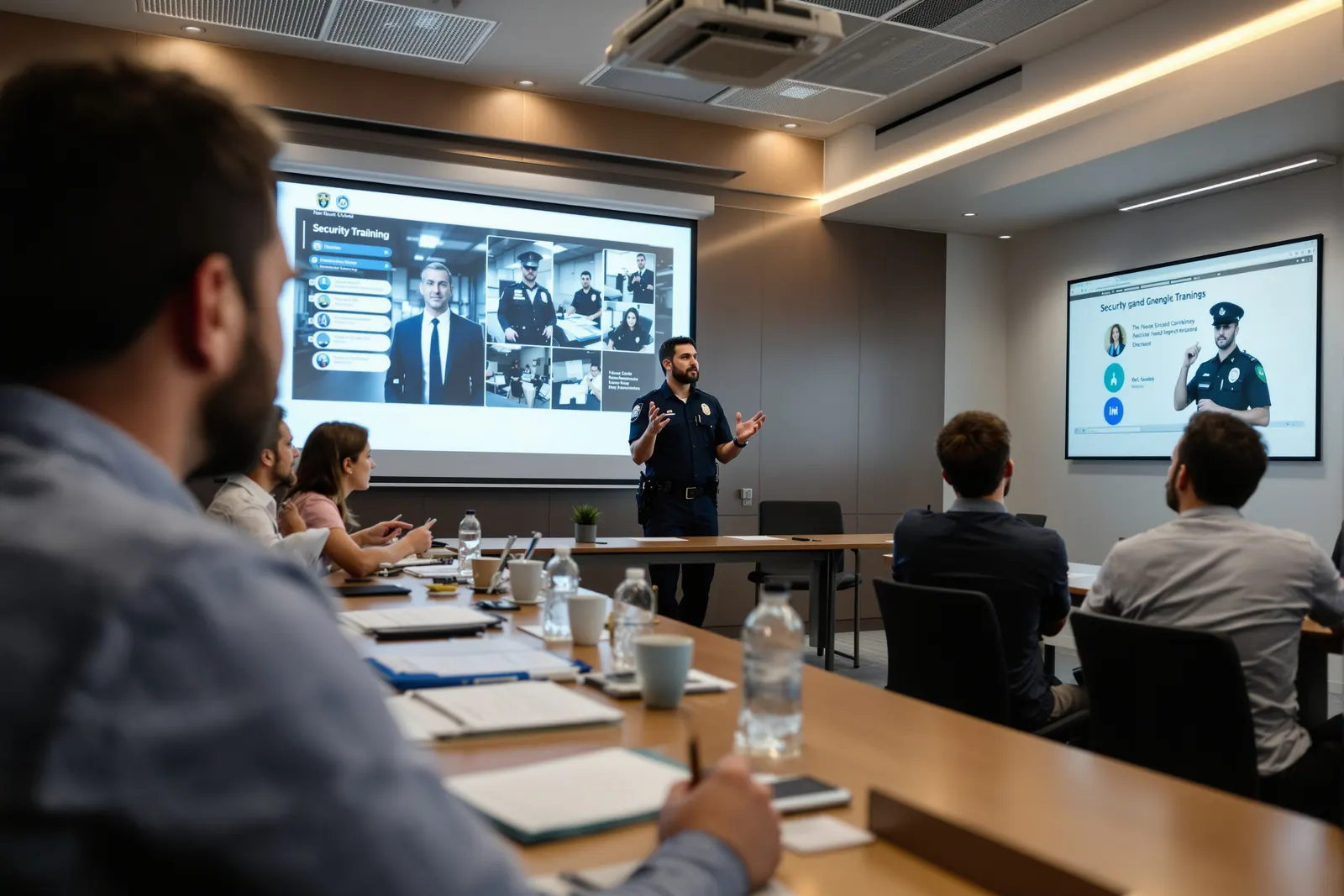
Security Certification Class
Security guard classroom training
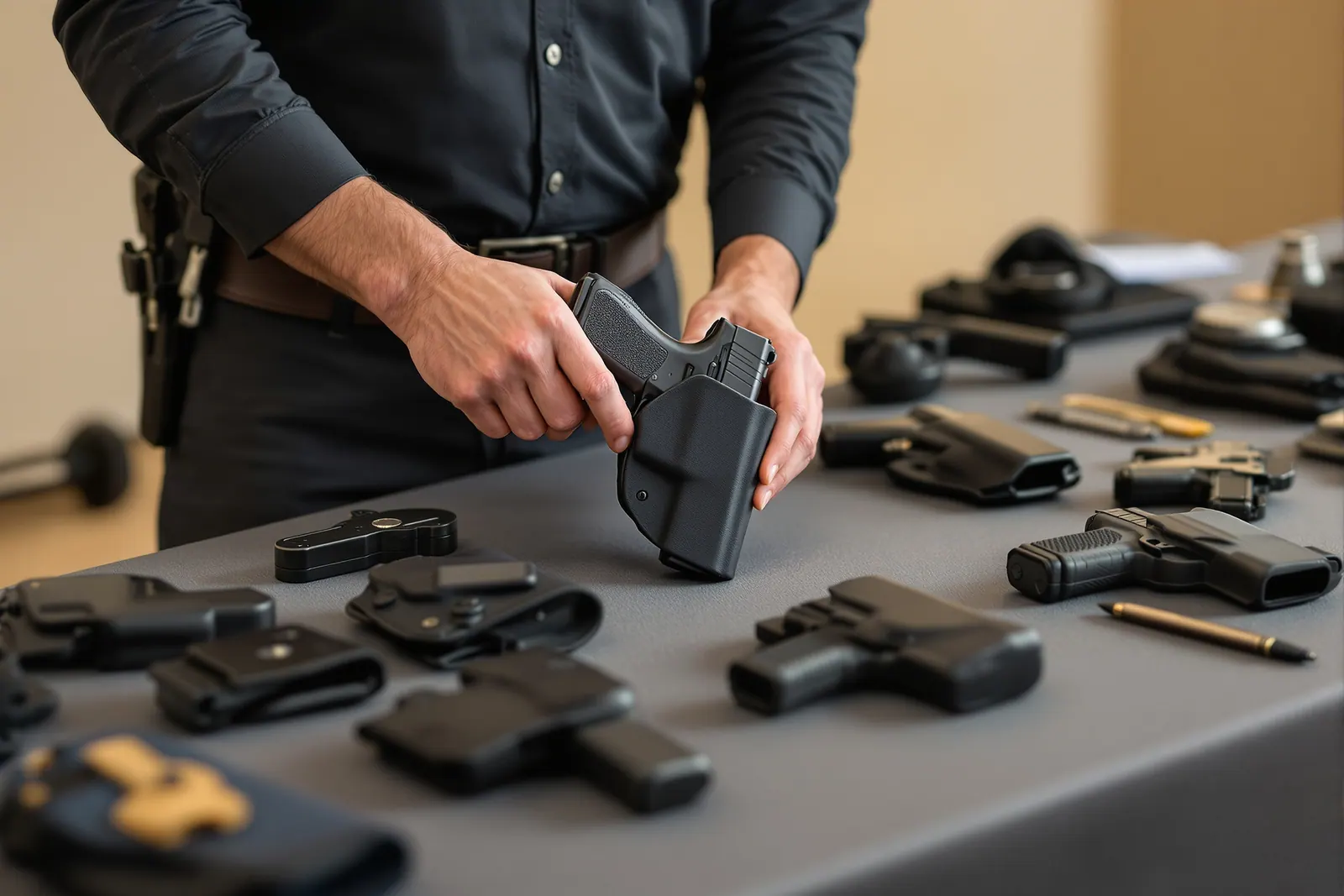
Concealed Carry Techniques
Concealed carry equipment demonstration
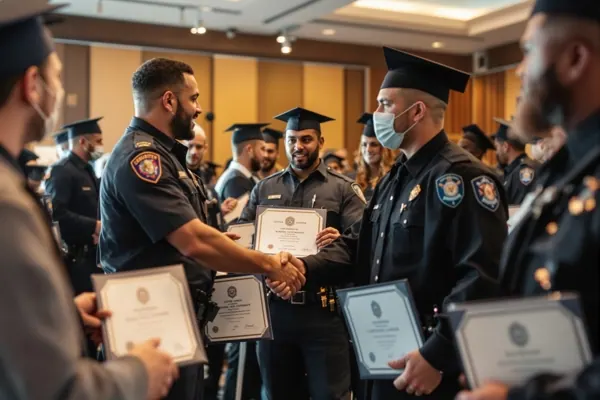
Class Graduation & Certification
Students receiving certification